Alphabet flash cards
One picture for every letter from A to Z, in alphabet order. 26 picture cards, free to print six to an A4 page with cut lines, or to play on the classroom screen as a guessing game.

Want a PDF? Press Print and choose Save as PDF as the printer.
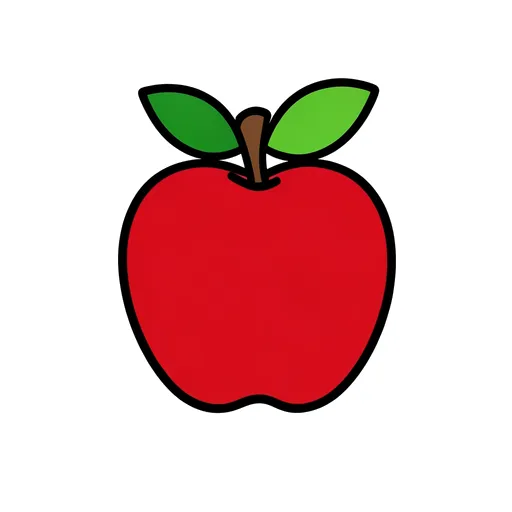 apple
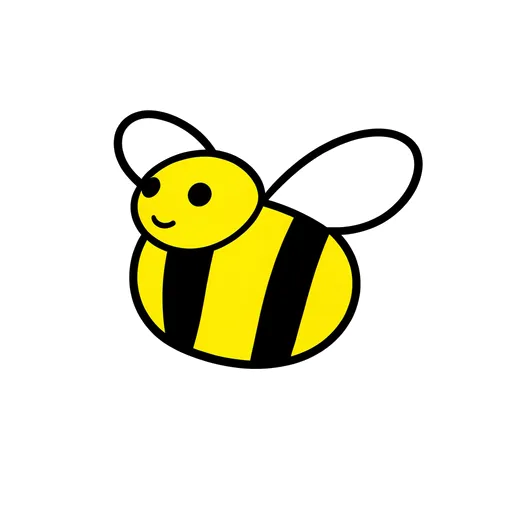 bee
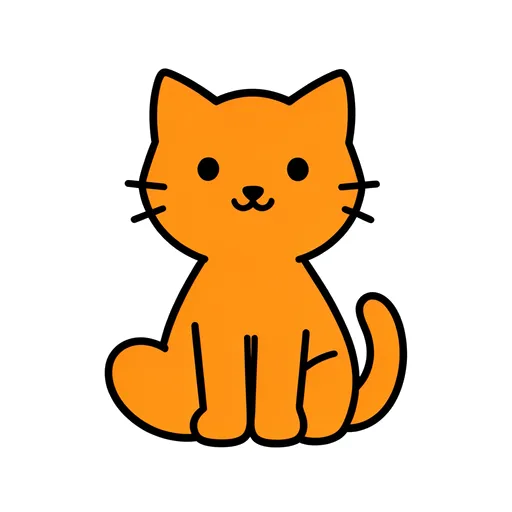 cat
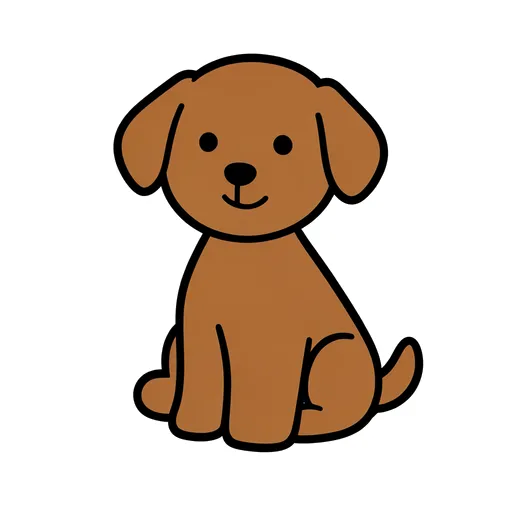 dog
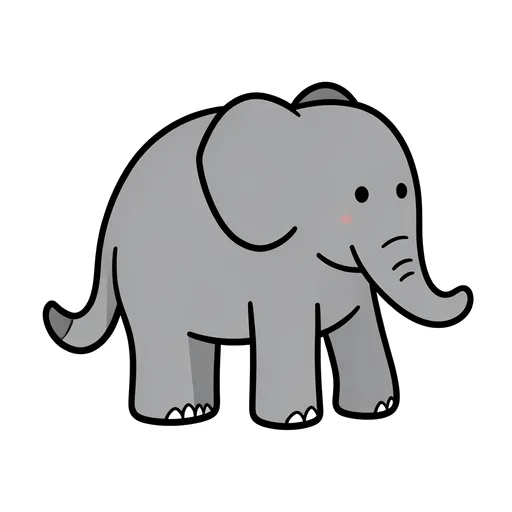 elephant
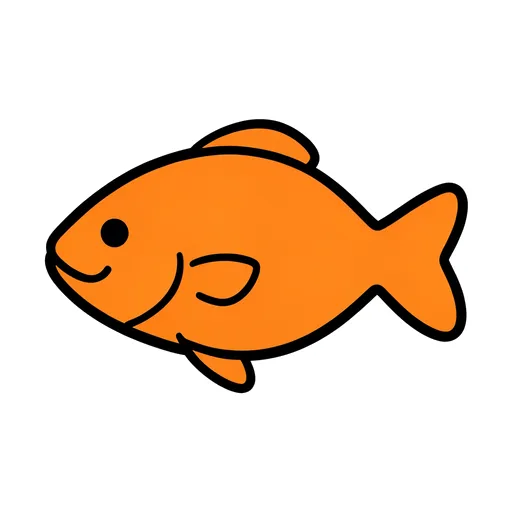 fish
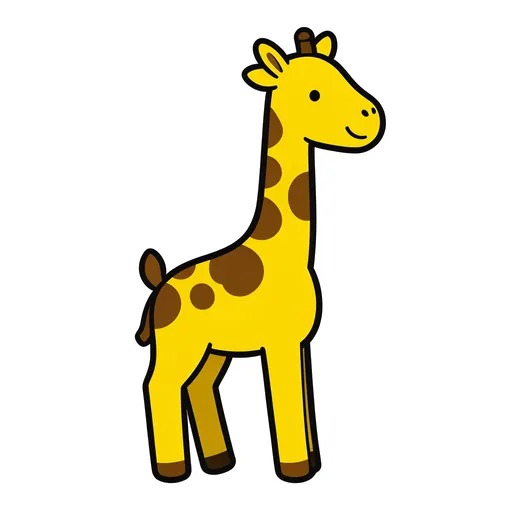 giraffe
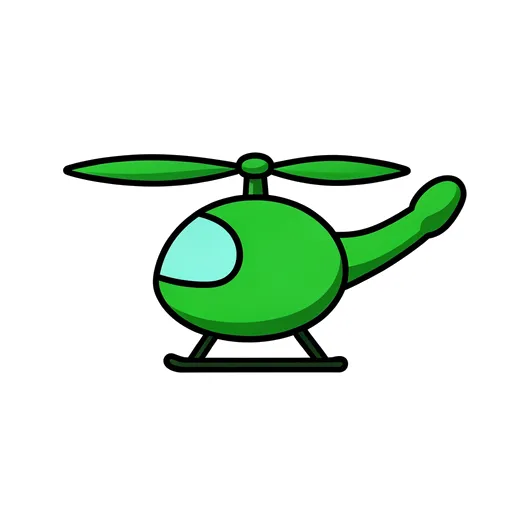 helicopter
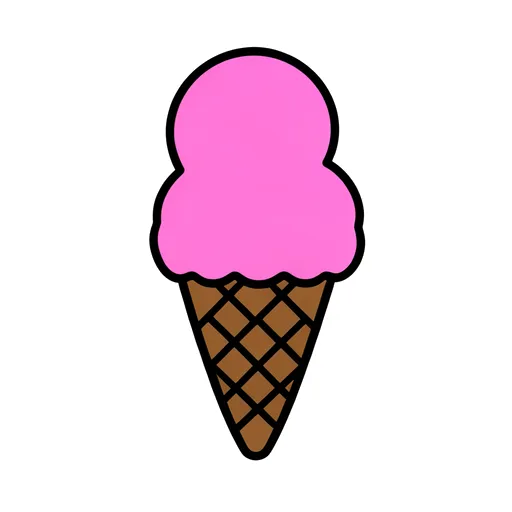 ice cream
 jellyfish
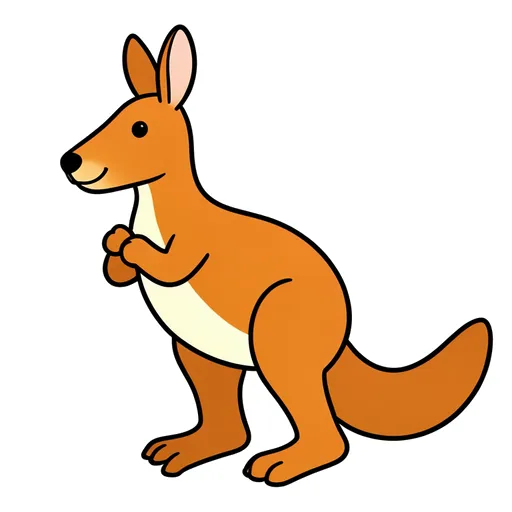 kangaroo
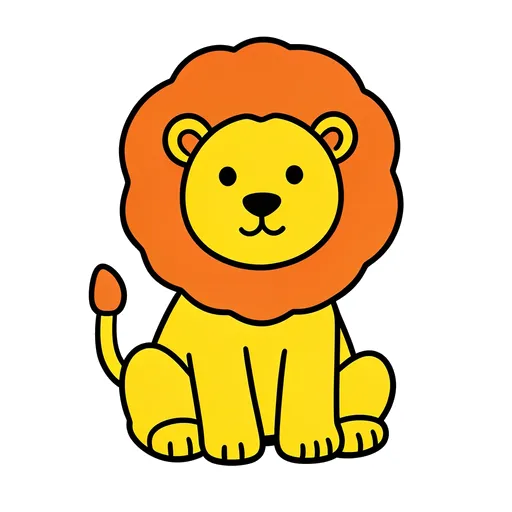 lion
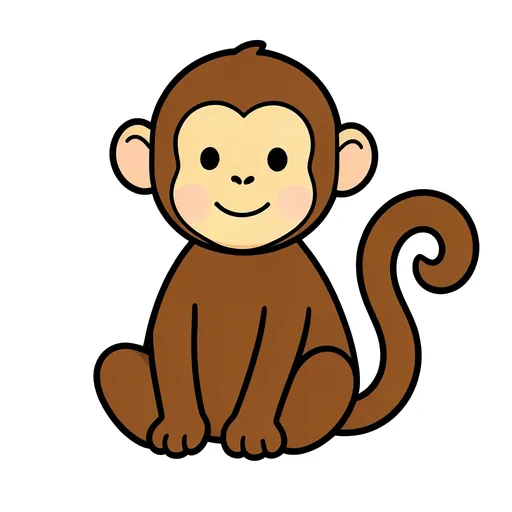 monkey
 nest
 octopus
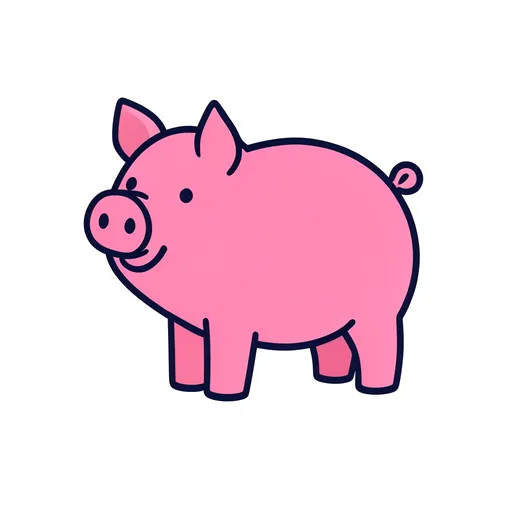 pig
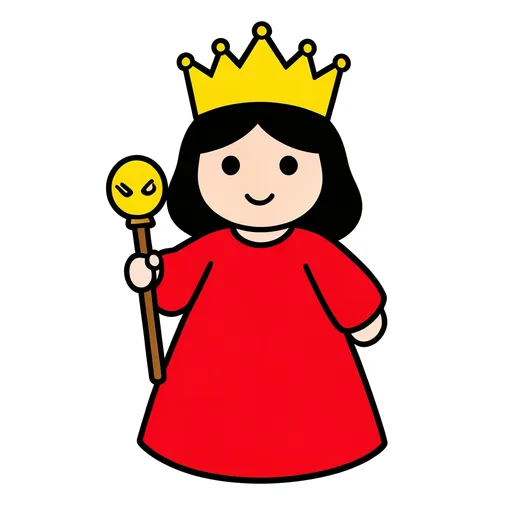 queen
 rocket
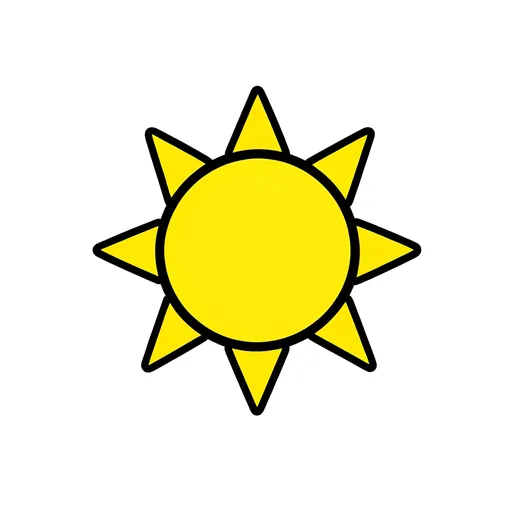 sun
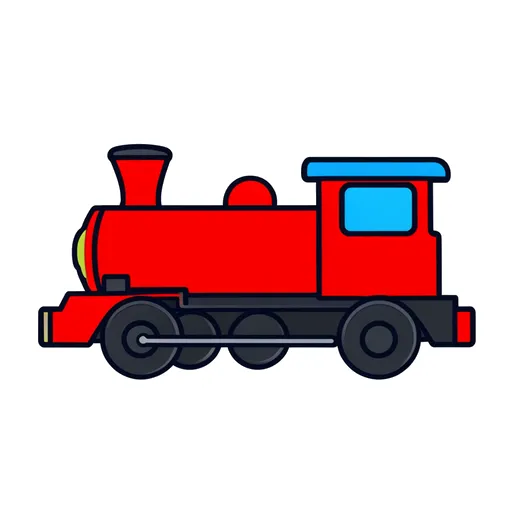 train
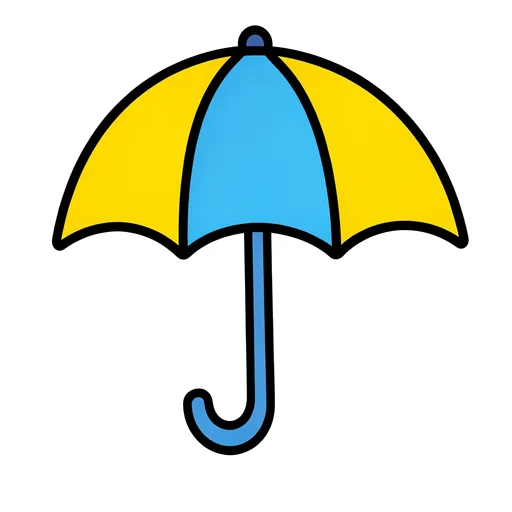 umbrella
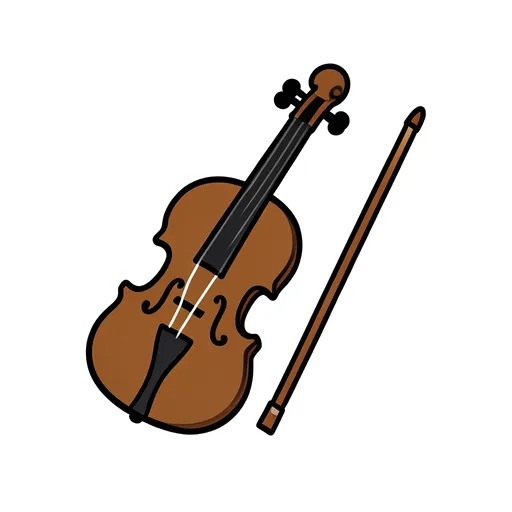 violin
 whale
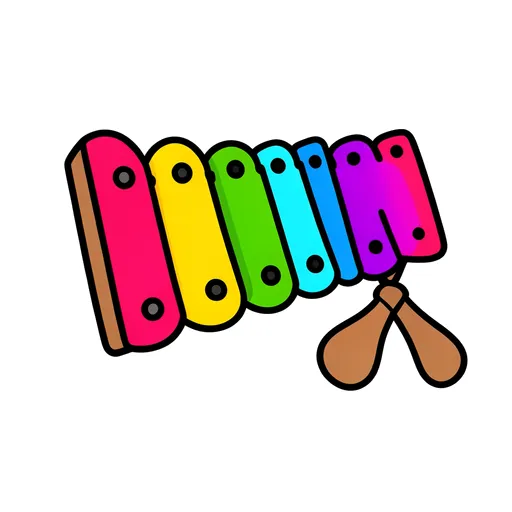 xylophone
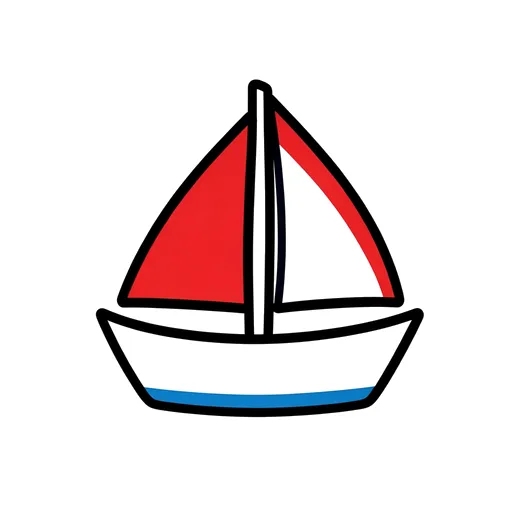 yacht
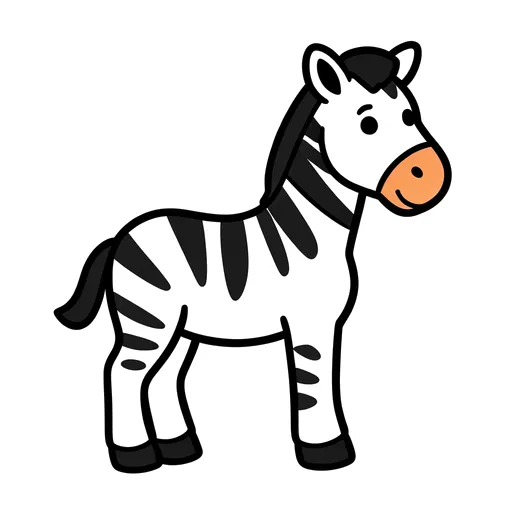 zebra
Want a whole set ready to go? Australian teachers sell flash card packs with games, posters and matching activities, most for under $10.
Flash cards by Aussie teachers
Alphabet flash cards for the classroom
The alphabet pack has 26 picture cards, each one a clear drawing on a white background with the word in a large, friendly print. Print them four, six or nine to an A4 page with the word under the picture or on the back, or play them on the classroom screen as a guessing game. Change the layout or add words.
How teachers and speech pathologists use flash cards
- Naming and vocabulary: hold up a card and the class names it, then sort the cards into groups (animals that hop, things we eat).
- Guess the picture: play a pack on the board at the start of a lesson. Shy speakers can answer together before anyone answers alone.
- Sounds and letters: sort pictures by their first sound, match them to letters, or blend CVC words and check with the picture.
- Speech practice: print a set of target words for home practice, or use the cards for drill games such as memory, go fish and posting cards in a box.
- EAL/D and new arrivals: pictures with words for the classroom, the body, food and family give a shared vocabulary from the first week.
Flash card packs
- First words flash cards
- Australian animals flash cards
- Farm animals flash cards
- Zoo animals flash cards
- Sea animals flash cards
- Minibeasts flash cards
- Feelings and emotions flash cards
- Action words flash cards
- Opposites flash cards
- Positional words flash cards
- Body parts flash cards
- Family flash cards
- Community helpers flash cards
- Fruit and vegetables flash cards
- Food flash cards
- Clothing flash cards
- Around the house flash cards
- Classroom objects flash cards
- Transport flash cards
- Weather and seasons flash cards
- Space flash cards
- Moon phases flash cards
- Australia flash cards
- Australian events flash cards
- Shapes flash cards
- Colours flash cards
- Numbers flash cards
- CVC words flash cards
- L sound words flash cards
- Minimal pairs flash cards
Questions teachers ask
Are these flash cards free?
Yes. Print as many as you like for your class, centre or clinic. There is no sign-up and nothing to download.
How do I print double-sided flash cards?
Set Word to On the back. Every page of pictures is followed by a page of words, laid out back to front so each word lands behind its picture. Print on both sides and choose flip on the long edge, then cut along the dashed lines.
How do I save the cards as a PDF?
Press Print and choose Save as PDF (or Microsoft Print to PDF) as the printer. The PDF keeps the A4 layout and the cut lines.
Can I add my own words?
Yes. Type them into Your own words. Each one gets a card with a blank box to draw or stick a photo in, which suits class names, excursion words and topic vocabulary. Your own words are printed but never saved in the link.
Can children trace the words?
Yes. Set Tracing to Word and dotted for the word with a dotted copy under it, or Dotted only. Choose the school font your state teaches (NSW, QLD, SA, TAS or VIC) and the dots follow that font, the same letters as the handwriting worksheets.
Can I make flash cards in Japanese or another language?
Yes. Choose Japanese, Chinese, Italian, French, Indonesian or Spanish under Language. The word prints in that language with the English small underneath, which you can turn off. Chinese cards show pinyin above the characters, and Japanese cards are in hiragana or katakana.
How does Guess the picture work?
Open Guess the picture on the classroom screen and one big picture shows at a time. The class calls out what it is, then a tap, the space bar or the right arrow shows the word, and the next tap moves on. Opposites such as big and small show side by side, and the taps show the left word, then the right. Choose a pack or the cards you ticked, and shuffle them or keep them in order.
Are the pictures suitable for speech therapy?
The pictures are simple, clear and one object each, which suits naming, articulation and language work. There are packs of L sound words and CVC words, and any set of pictures can be printed or played for a session.
More free tools for early literacy
- Speech sound word lists: words for every sound, by position, for speech practice.
- Sight words: flash high-frequency words on the board.
- Spelling list maker: weekly lists and look, say, cover, write, check sheets.
- Guess the picture: these flash cards as a whole-class game on the board.