Random Name Picker
Press the button and a named stick comes out of the cup. Open Class list to put your own names in.
Sample class: 24 names, everyone gets a turn.
Who is next?
24 names in the cup
More classroom games
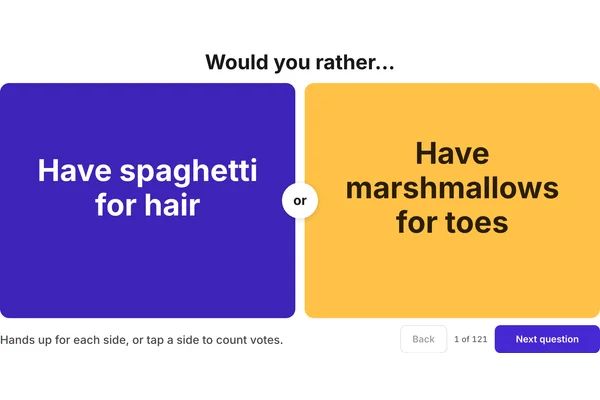 Would You RatherTwo choices on the board, the class picks a side and says why.
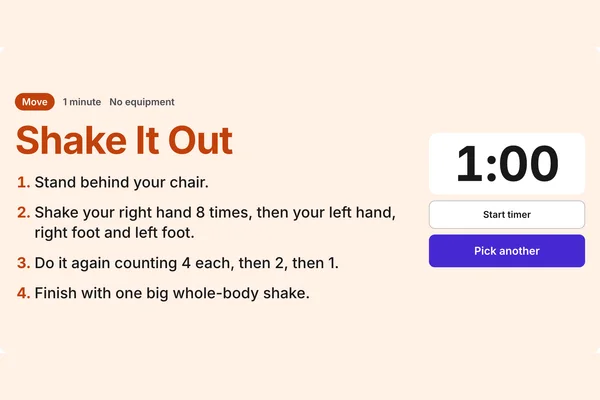 Brain Break PickerPress once for a no-prep brain break with the steps and a timer.
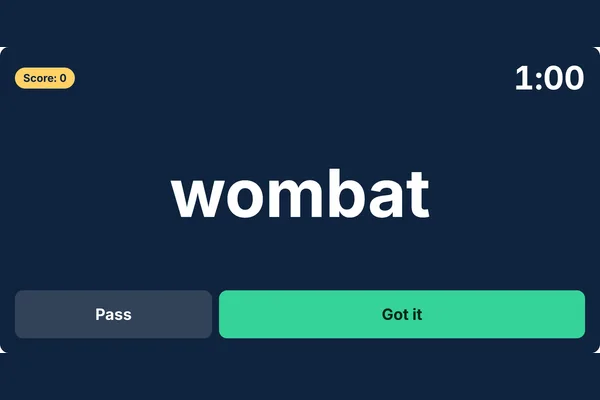 Hot SeatOne student faces the class, the word is behind them. Use your own word list.
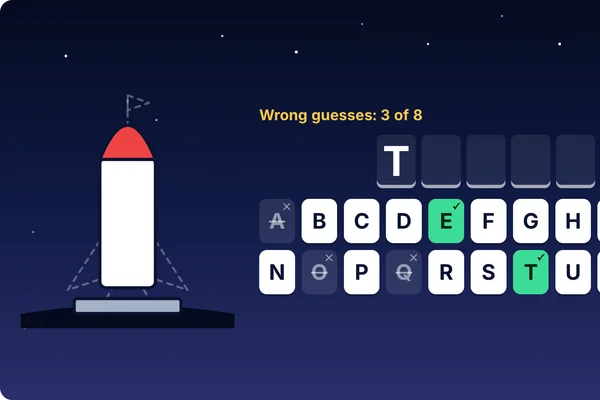 HangmanGuess the word letter by letter before the rocket is built. Word lists by year level.
 BingoCall the game on the board. Students play on printed cards, or scan for a card on their own device.
- All classroom gamesQuiet games, five-minute fillers and no-equipment games, sorted by the moment.
Ways to use a random name picker in class
- Questions without hands up: ask the question, give everyone thinking time, then pull a stick. Because a name stays out of the cup once it is picked, the whole class is asked before anyone is asked twice.
- Classroom jobs: pick the line leader, the lunch order monitors or the person who takes the roll to the office. Choose 2 or 3 names at a time for jobs done in pairs.
- Who goes first: settle the order for show and tell, oral presentations or a turn on the class tablets by pulling sticks until the cup is empty.
- Reading aloud: pick the next reader a paragraph at a time.
- Partners for a quick task: pick 2 names at a time and each pair of sticks is a pair of partners. For proper groups, the random group generator uses the same class list.
Sticks or wheel
The sticks are the cup of named paddle pop sticks that sits on many teachers' desks. The number on the cup is how many names are still in it. The wheel is the same pick shown as a spinner, for classes that like to watch it turn. Whichever you choose, the picked name is written large on the board.
More games for the board are on the classroom games page.
Frequently asked questions
How do I add my own class to the name picker?
Open Class list in the options, then type or paste the names, one per line or separated by commas. A column copied from a spreadsheet pastes straight in. Sign in and the class is saved to your account, ready the next time you open the page on any device.
Can the same student be picked twice?
Not until everyone has had a turn. A picked name leaves the cup until every student who is here today has been picked, and then the cup refills. The names that have had a turn are listed under the cup, with Undo for a pick you did not mean and Put everyone back to start again. To let anyone be picked at any time, choose Anyone, any time in the options.
Is there a name wheel or spinner?
Yes. Choose Wheel at the top of the picker and press Spin the wheel. The wheel and the sticks use the same class and the same turns, so you can swap between them part way through a lesson.
Can I save more than one class?
Yes. Sign in, then choose New class from the Class dropdown to add another, and pick a class from the same dropdown to switch. You can keep up to 30 classes on your account, and the random group generator uses the same ones.
What about students who are away?
Open Class list, choose Away today and tap the names of the students who are away. They are left out of the cup, and out of the groups in the group generator, and they come back by themselves the next day.
Can I pick two or three students at once?
Yes. In the options, choose 2 or 3 for Names at a time. Each press then brings out that many sticks.
How do I use it on the classroom screen?
Press Full screen and the cup fills the board. Tap the button on a touch screen, or press Space or Enter on the keyboard, and the name comes up large enough to read from the back of the room.